

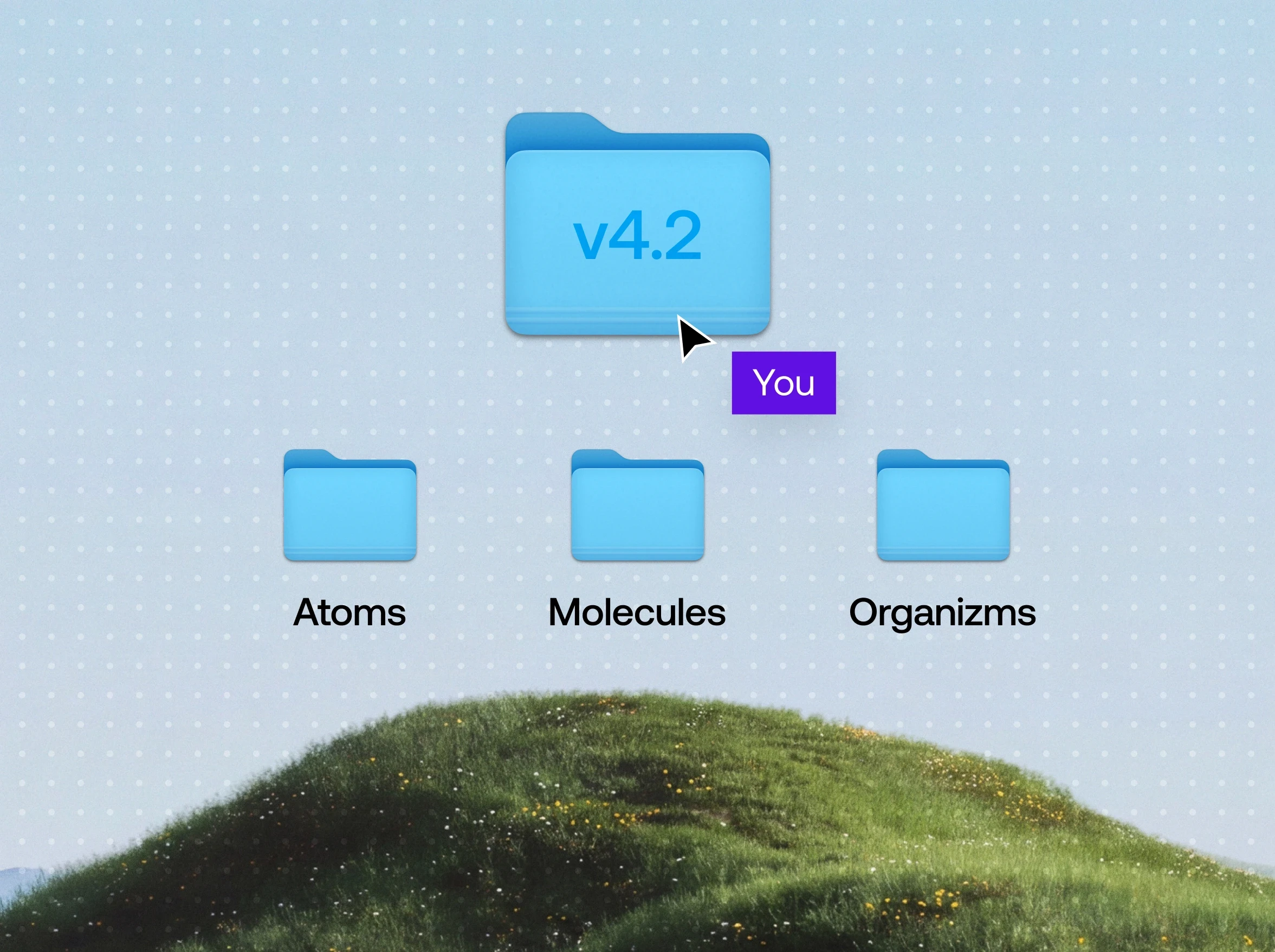
A design system works like a house. A house stays in good shape while someone lives in it, and an empty one starts to age surprisingly fast. A design system holds up the same way, while the team works in it every day. For a product, that comes down to two habits: every new screen is assembled from what the system already has, and every change made along the way goes back into it.
It sounds simple, but a growing product puts exactly these habits to the test. The roadmap fills up, deadlines get shorter, the team gets bigger. Teams that keep both habits come through it with a system that grows along with the product.
Below we look at why design systems fall behind, what both habits look like in everyday work, and what they give a product when new people and new tasks arrive.
Why does a design system fall behind a growing product?
A design system rarely breaks in one moment. It falls behind one task at a time. A new screen has to ship this week, and adding its parts to the library can wait. A component gets detached in a file to fix a single screen. A color gets picked by eye because the right token was hard to find. Each of these choices is harmless on its own. Together they mean the product is being built next to the system.
Work on a system done in spare moments rarely takes root. Teams come back to it when there's a gap in the schedule, and a growing product has few of those.
From the outside, the result looks like a product with no system at all. One of our clients described their situation before we started working together. They had no designers of their own, and design turned out to be the bottleneck. Web developers worked from verbal descriptions or reused outdated components from an older version of the site. Changes arrived after development because nobody had agreed on them at the design stage. Assets sat in different places, with no owner and no structure. Most of the products we've worked on came to us in a similar state, and it held their growth back.
How to build new screens from a design system?
The first habit starts with a question a designer asks before designing anything: what does the system already have for this screen? Buttons, fields, cards, spacing, colors and their states are already decided. What's left are the decisions that belong to the new feature itself, and that's where most of the time goes.
The screen gets built faster, but the bigger gain is elsewhere. A user moving between the new screen and an old one sees one product. A developer gets a layout made of components they already have in code and can build it without guessing.
When a part is missing from the system, that's the cue for the second habit.
How to put changes back into a design system?
The second habit closes the task. Everything that appeared along the way gets one check: will it be needed somewhere else? A new card state, a new field variant, an updated spacing value go into the library. The next task starts from the current version of the system.
This is how design system maintenance stops being a separate project. It happens inside feature work, a little in every task. Regularity keeps the system in shape, and nobody has to wait for a free slot in the schedule.
A design system has no final version. The product changes, and the system changes with it for as long as the product lives. New features bring new patterns, old ones are retired, and the system reflects both. Changes to it are normal. What matters is that they get made.
How does a design system help new people on a product?
While the same few people create a system and use it, much of it lives in conversation. Everyone knows which components exist, where they are and why they look the way they do. As the product grows, more of the work is done by people who weren't around when those decisions were made. From then on, the files carry what used to be said out loud. That's where design system adoption is really decided.
A newcomer opens the files with practical questions. Which button is the primary one? What does an empty state look like? Is this card still in use? A system people work in every day answers these on its own, because outdated parts get noticed and replaced as the work goes.
We saw this on the Testportal app. One of our designers joined the product at a late stage, when its design was already defined, to design flows for new features. By then the system covered the interface at every level, from the smallest elements to the components built from them and whole sections of screens. Those ready parts became the base for the new screens, and the new features brought their own additions and changes into the system. A user moving from an existing screen to a new one can't tell where one ends and the other begins.
How to connect a product design system to the rest of the brand?
A product's design system shares a lot with everything else the company publishes. A large part of what it holds usually serves the product, the website and the marketing at the same time.
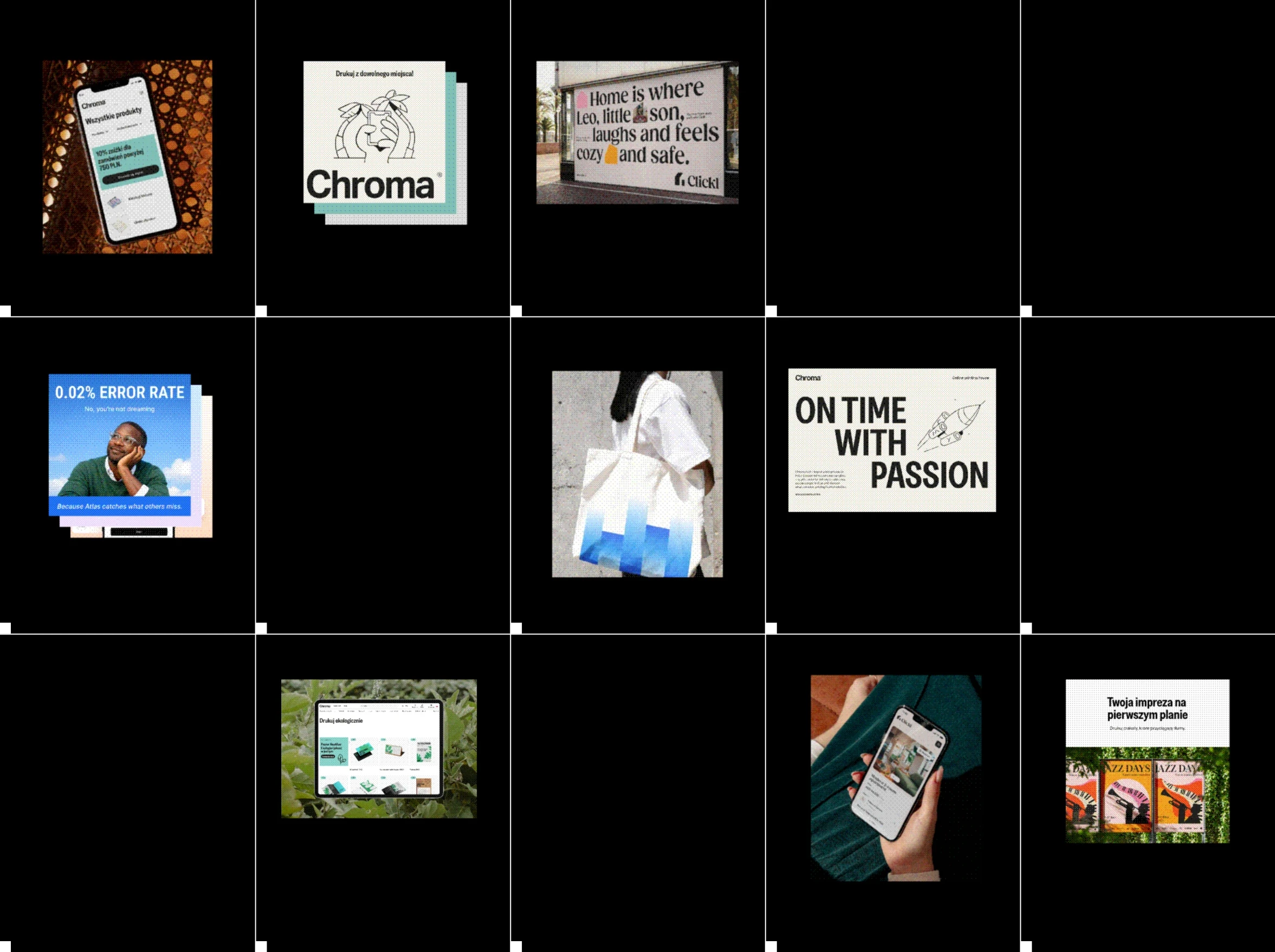
At Chroma, a large system of illustrations and icons is used across every channel. At Testportal, a set of widgets showing the product's features works on the website and in marketing materials as well as inside the product.

The connection runs both ways. The product team keeps the system in order, but the reasons to change it often come from outside the product, such as a new market or a shift in how the company presents itself. When the company updates its illustration style, the same update reaches the product library, and customers meet one company on the website and inside the product.
That's why we design products with the whole brand in view. We work across digital product design and marketing design, so a decision made in marketing carries into the interface, and an interface element can travel into marketing.
Who maintains a design system: designers or developers?
Both. A design system lives in two places, in design files and in code, and it holds when both sides build from it.
What helps is a simple order for changes, often called design system governance. A change starts in the design files, the component keeps the same name in design and in code, and the next feature that needs it picks it up from there. The order has to stay light, so a new component gets into the system in the same task where it appeared.
Our part in this is design. The code side belongs to the client's development team, and its readiness matters as much as ours. Chroma's advice to companies starting similar work is to make sure the development team is prepared and fully involved, because the result depends on both sides.

Keeping the house lived in
A design system stays in shape the same way a house does, through daily use.
At Unikorns Work, a product's design system grows inside ongoing product work. Each new feature is built from the parts that already exist, and whatever it adds goes back into the library. The process carries the continuity, and whoever opens the files next starts from where the work stopped.
If your product keeps growing and its design system is struggling to keep up, let's talk.
COMMON QUESTIONS
You ask, we answer
A design system is the shared set of decisions a product is built from: colors, type, spacing and icons, the components made from them, and the rules for combining them. It lives in design files and in code, so designers and developers build from the same parts.
Use it in every task and put every change back into it. A system grows with a product when new features are assembled from existing components and the new parts they need are added to the library.
Design system governance is the agreed order in which changes reach a design system: who proposes them, who approves them and how they get into both design files and code. Without it, design and development drift apart.
It's rarely too early. What changes is the scale. While the team is busy growing the business, a small UI kit with the core styles and components is enough, and it grows as the product does. Waiting for the moment growth takes off usually means starting with debt, built up from tasks that each felt too small and too urgent to touch the system.
At Unikorns Work, the design system is maintained as part of ongoing product design. The team builds new screens from it and adds new parts to it as the product grows. The client's development team takes care of the code side.